
How to Create Employee Training Videos Without a Film Crew (2026)
Skip the studio. Record once and auto-generate subtitles, voiceover, and step-by-step docs in 65+ languages. Here's the AI-driven workflow.

Turn articles into MP4
Turn text into AI audio
Clean docs from transcripts
Cut and trim video clips
Generate captions from audio
Get text from any video
Add logo or text overlay
Resize and crop frames
Turn video into Q&A
Auto-generate help docs
Translate captions instantly
Add royalty-free tracks
Create click-worthy thumbs
SEO-optimized descriptions
Smart cuts, auto highlights
Combine multiple clips
Side-by-side comparisons
PiP teaser into next clip
Flip or rotate footage
Speed up or slow down
Convert between formats
Turn clips into animated GIFs
Smooth intro and outro
AI-powered key takeaways
Extract FAQs from video
Mark up screenshots
Shapes, arrows & text on video
Extract audio from video
Burn captions into video
Convert PDF to video
Turn slides into video
Convert Keynote to video
PDF, PPTX, or Keynote
Turn Google Slides into video
Convert PPT to video
Brightness, contrast & more
Insights, tutorials, and best practices for video documentation and AI-powered content creation
Skip the studio. Record once and auto-generate subtitles, voiceover, and step-by-step docs in 65+ languages. Here's the AI-driven workflow.

Most teams spend $500-5,000+ per video on editing, subtitles, voiceover, and documentation without realizing it. Here is exactly where the money goes - and how AI automation can cut those costs by 90%.
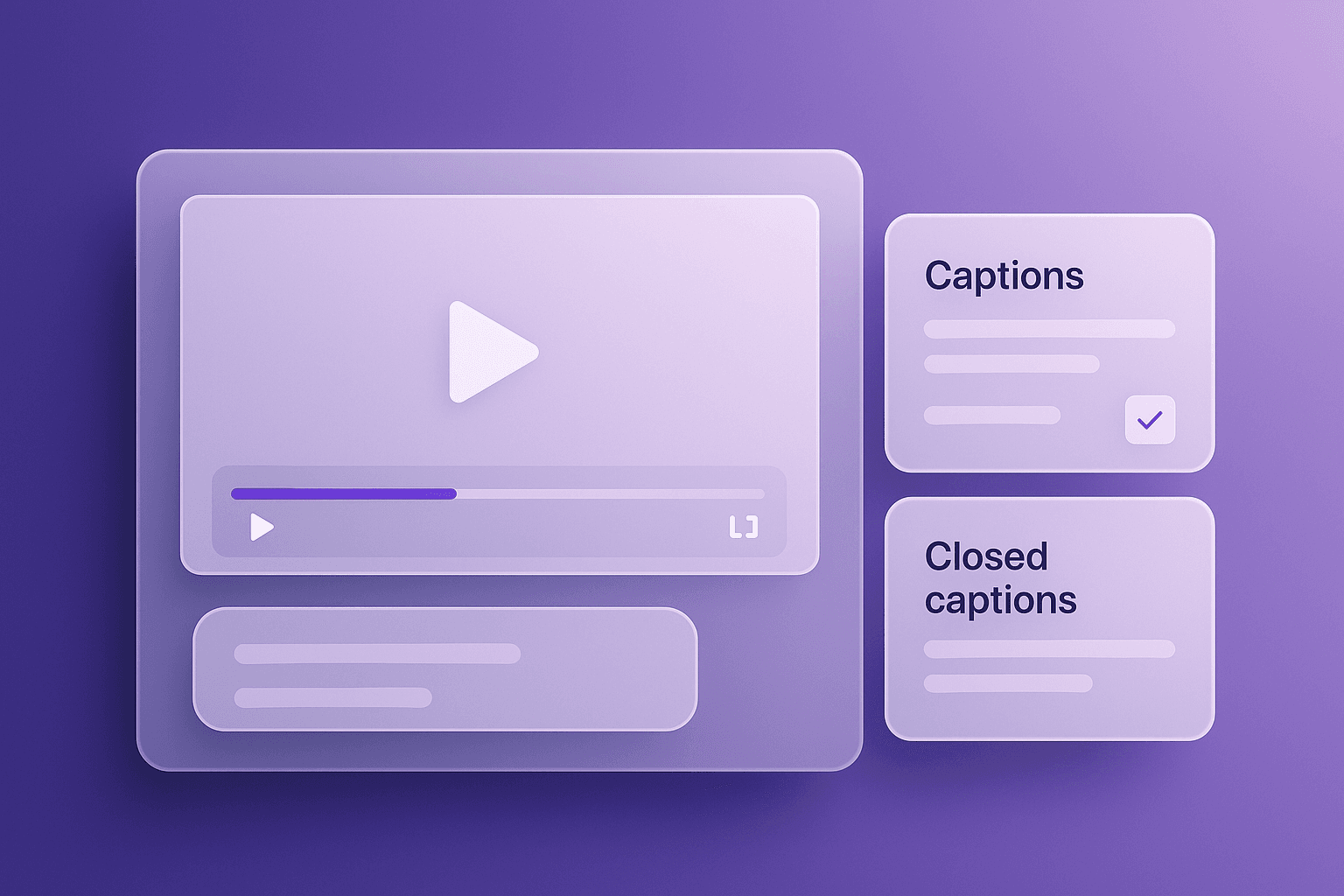
Not sure when to use subtitles, captions, or closed captions? This guide breaks down the differences, platform expectations, and a practical workflow (with templates) you can reuse.

Turn a single tutorial recording into a publish-ready blog post and a reusable knowledge base article. Follow a practical workflow for topic extraction, content clustering, screenshots, and republishing—without rebuilding everything from scratch.
