The Documentation Death Spiral: Why Your Help Center Has Stopped Working
Most help centers are quietly failing: article count climbs, deflection rate doesn't. Here's why text-only docs broke, and how a video-first source of truth ends the spiral.

Turn articles into MP4
Turn text into AI audio
Clean docs from transcripts
Cut and trim video clips
Generate captions from audio
Get text from any video
Add logo or text overlay
Resize and crop frames
Turn video into Q&A
Auto-generate help docs
Translate captions instantly
Add royalty-free tracks
Create click-worthy thumbs
SEO-optimized descriptions
Smart cuts, auto highlights
Combine multiple clips
Side-by-side comparisons
PiP teaser into next clip
Flip or rotate footage
Speed up or slow down
Convert between formats
Turn clips into animated GIFs
Smooth intro and outro
AI-powered key takeaways
Extract FAQs from video
Mark up screenshots
Shapes, arrows & text on video
Extract audio from video
Burn captions into video
Convert PDF to video
Turn slides into video
Convert Keynote to video
PDF, PPTX, or Keynote
Turn Google Slides into video
Convert PPT to video
Brightness, contrast & more
Insights, tutorials, and best practices for video documentation and AI-powered content creation
Most help centers are quietly failing: article count climbs, deflection rate doesn't. Here's why text-only docs broke, and how a video-first source of truth ends the spiral.
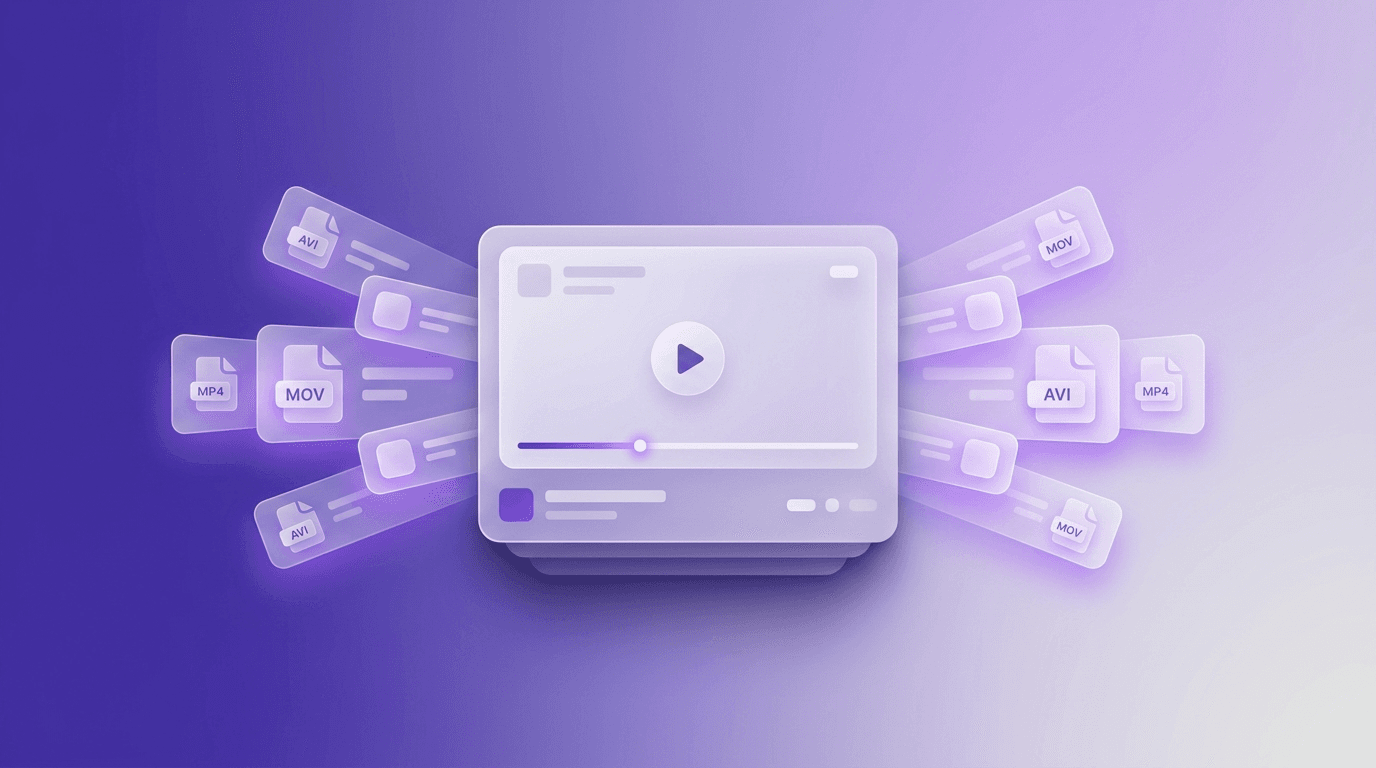
The 9 best free video format converters in 2026 for MP4, MOV, AVI, MKV and more. Browser-based and desktop tools tested for limits, quality, and what they actually do well.
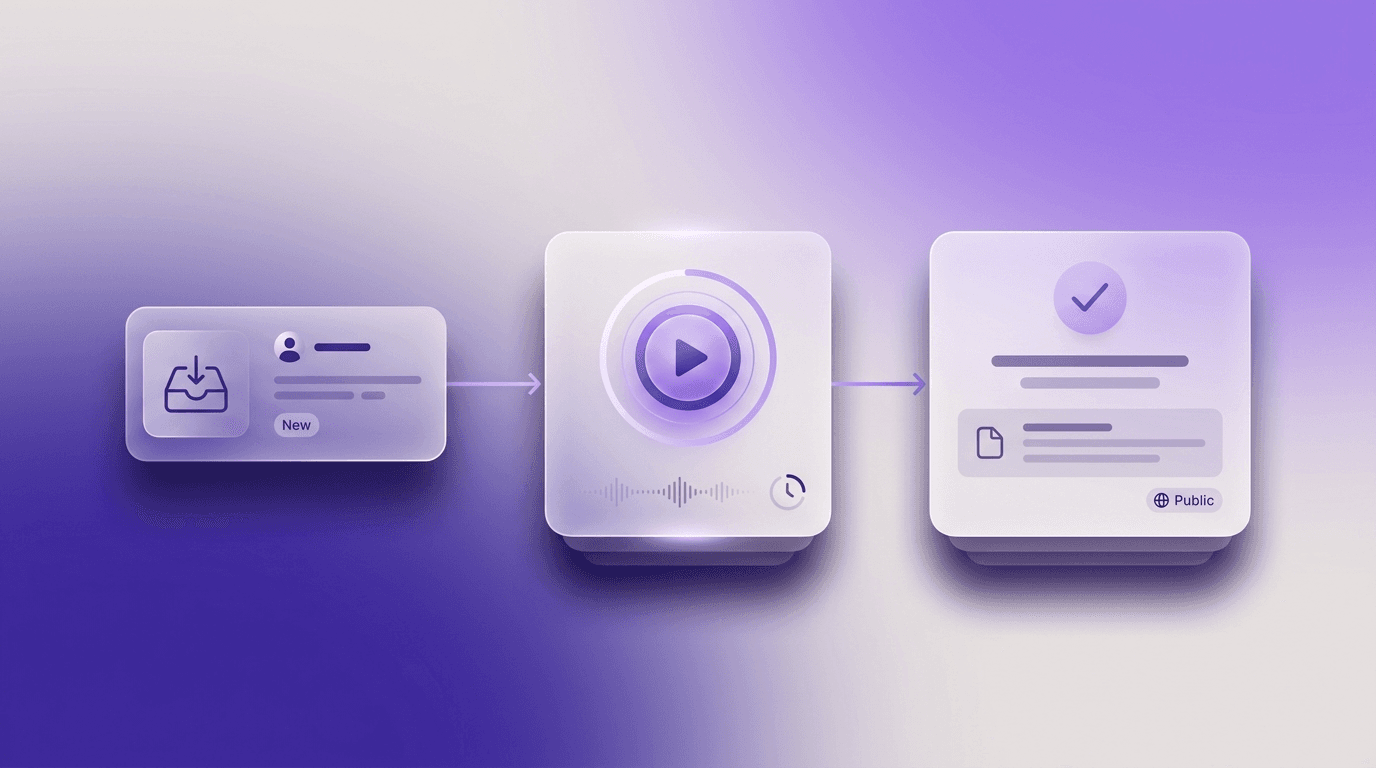
A step-by-step playbook for modern CS teams: turn one repetitive support ticket into a permanent, public tutorial in five minutes of active work, with subtitles, voiceover, and translations generated automatically.

Step-by-step guide to converting PowerPoint to video online for free in 2026 - with audio narration, animations, and subtitles. Three workflow tracks compared.
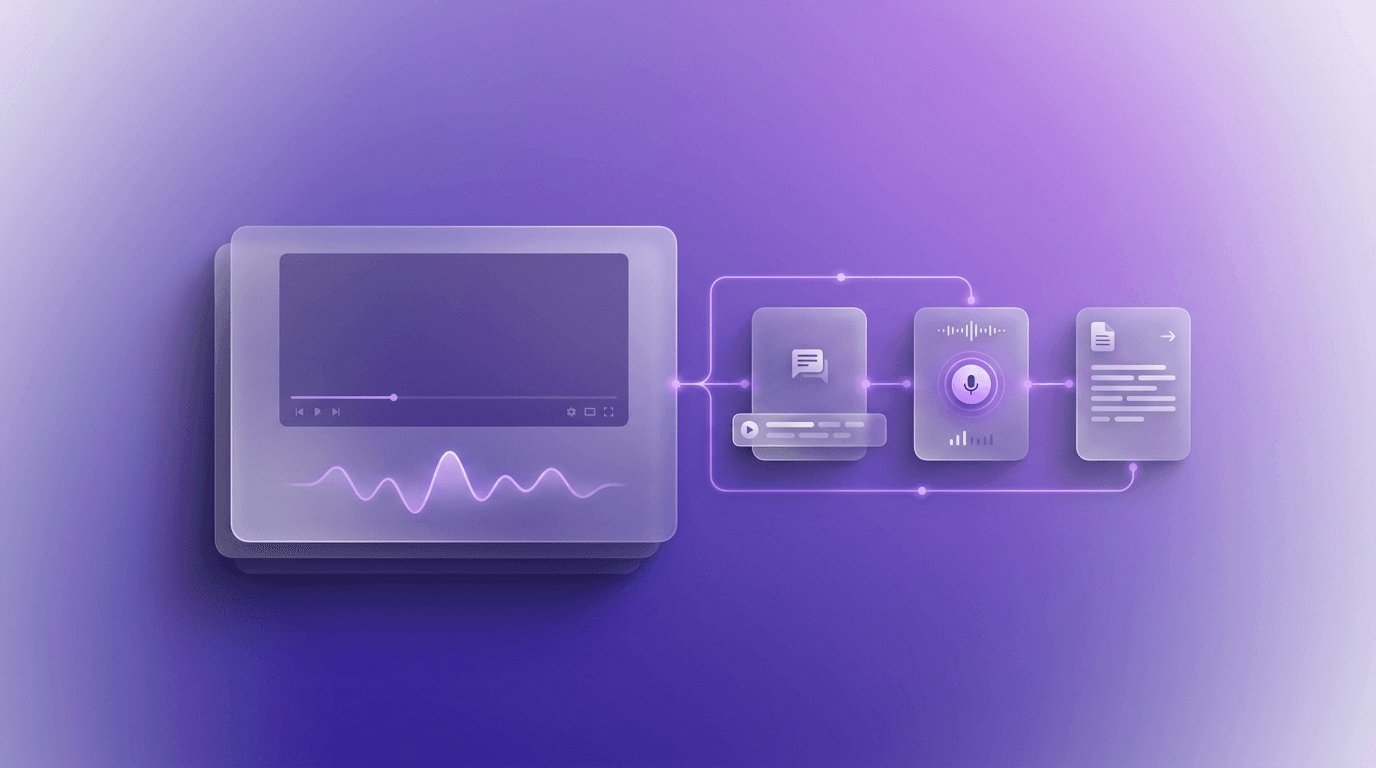
A developer-focused walkthrough for automating subtitles, voiceover, translation, and documentation with a single video pipeline API. Includes curl examples, orchestration patterns, and tradeoffs that matter at scale.

Skip the studio. Record once and auto-generate subtitles, voiceover, and step-by-step docs in 65+ languages. Here's the AI-driven workflow.

A guide to the best video MCP servers in 2026, what they do, and how AI agents use them to transcribe, translate, edit, and document videos.
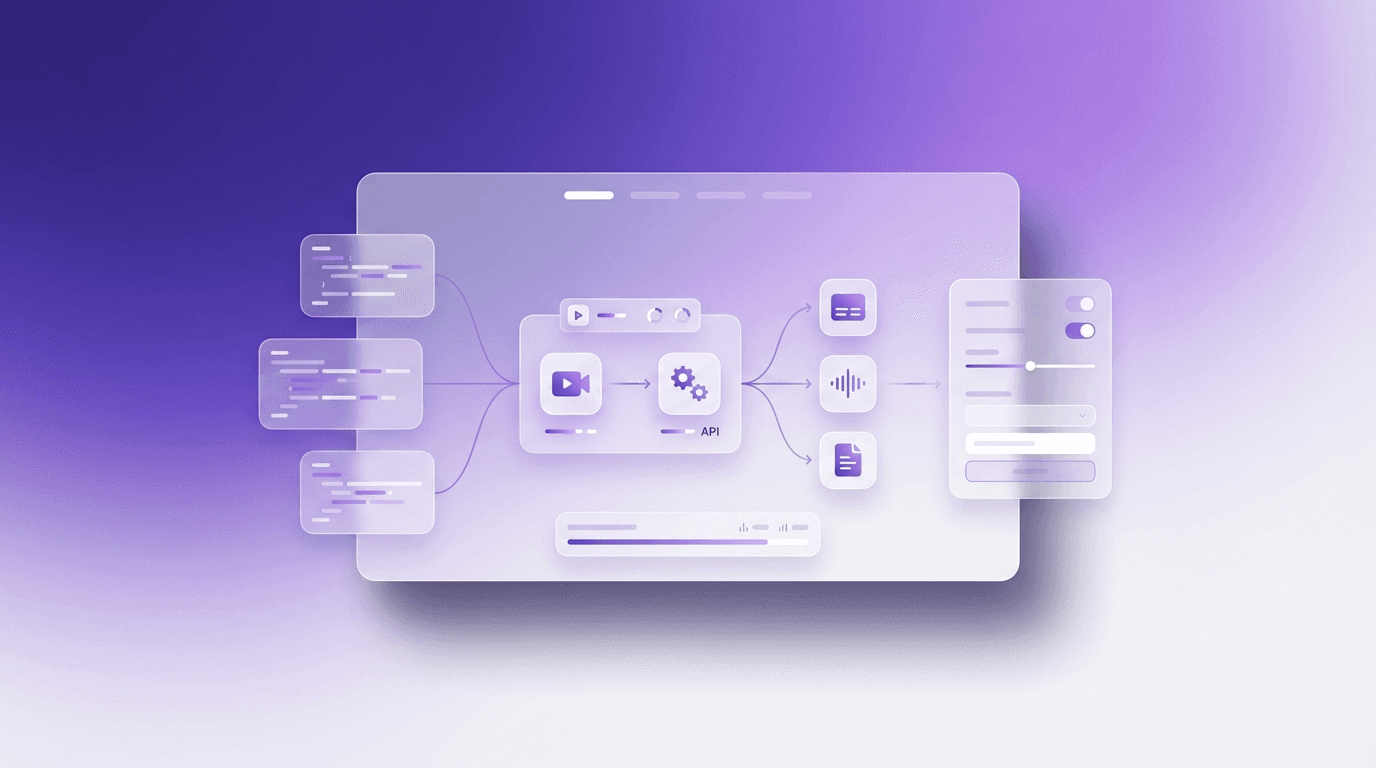
The 9 best video editing APIs compared - from AI-powered subtitles and voiceover to template rendering and streaming infrastructure. Features, pricing, and which one fits your stack.

From static artifacts to living systems - how AI agents, video-first workflows, and built-in translation transformed documentation in 2026.

The top 10 AI knowledge base generators compared - from video-to-article tools to enterprise platforms. Features, pricing, and which one fits your team.
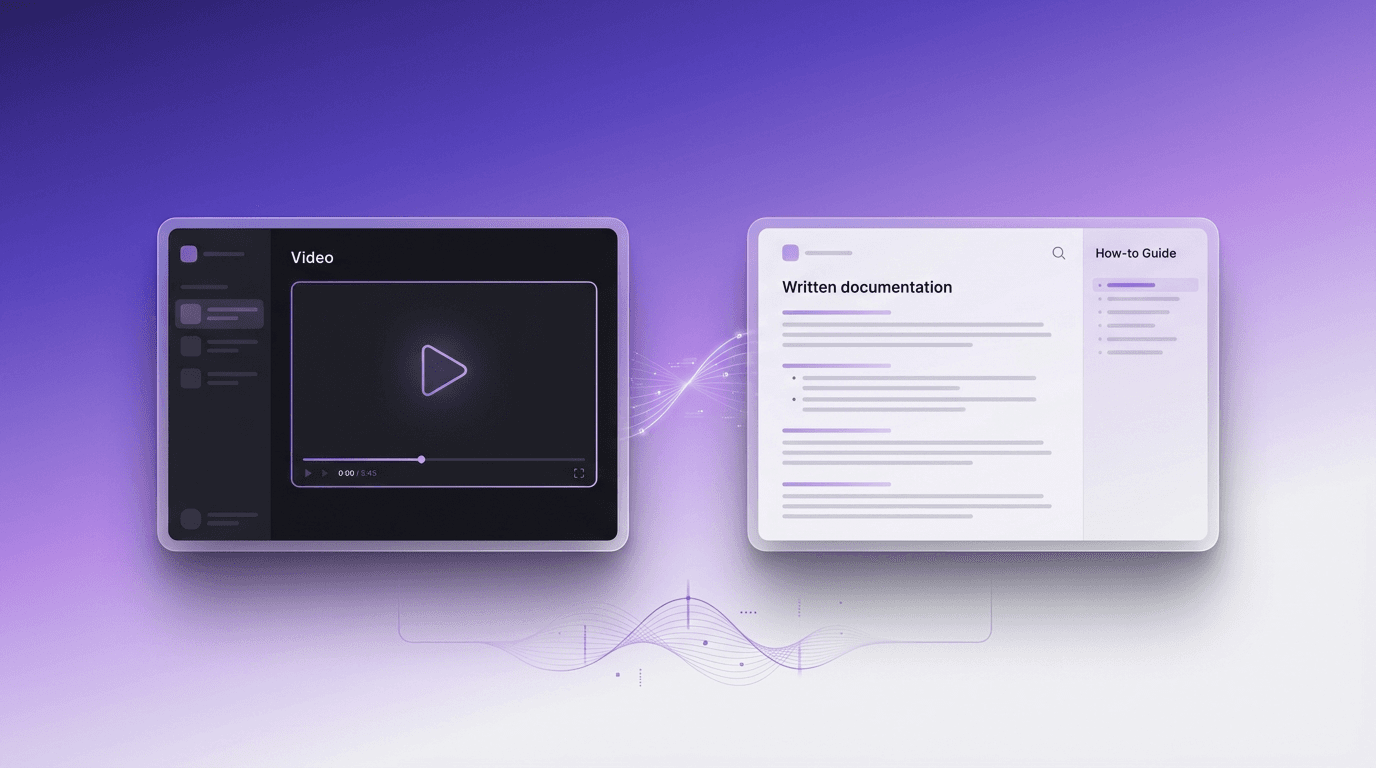
Compare video and written documentation for customer support. Learn the pros, cons, and how to efficiently create both formats.
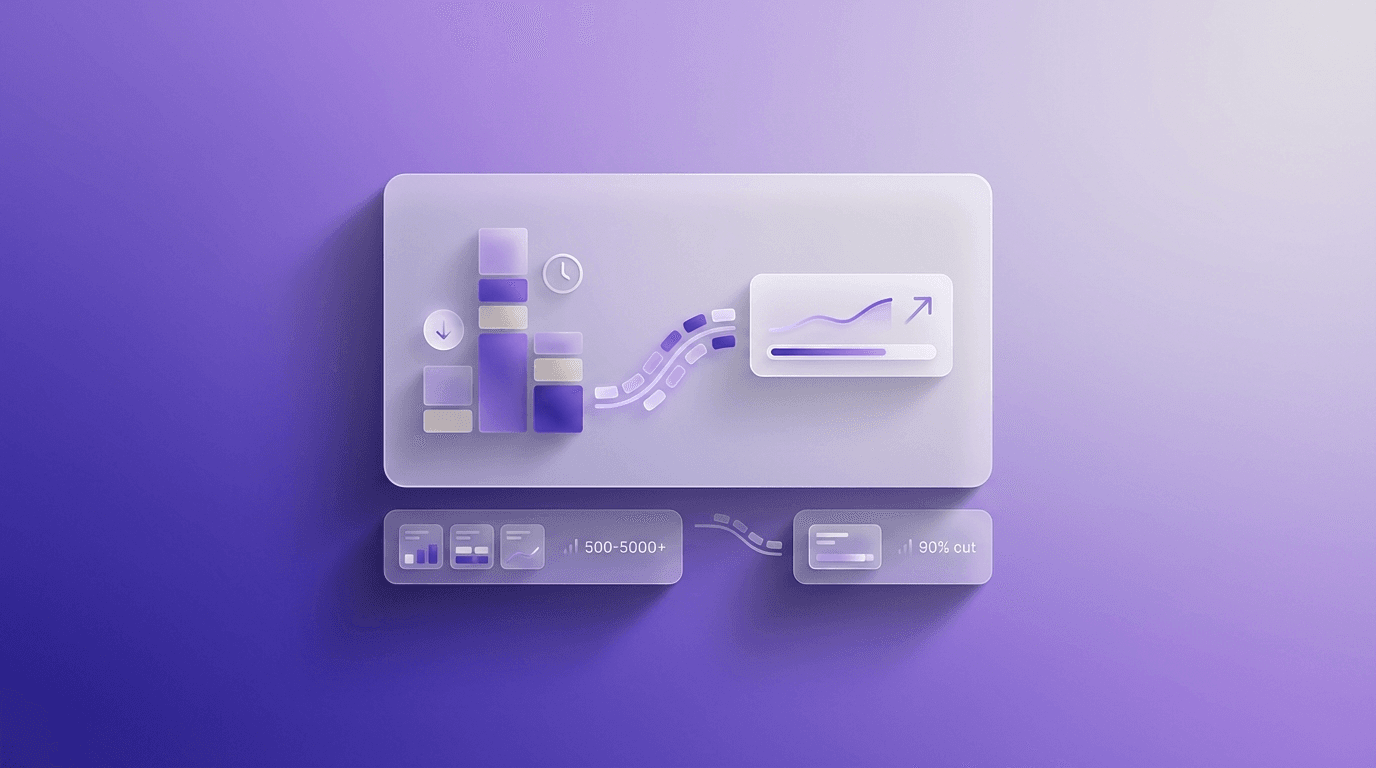
Most teams spend $500-5,000+ per video on editing, subtitles, voiceover, and documentation without realizing it. Here is exactly where the money goes - and how AI automation can cut those costs by 90%.

Most support tickets are repetitive. Learn how to build self-service documentation that deflects 30–50% of incoming tickets - using video, AI, and smart knowledge base structure.

An honest comparison of Trupeer and Vidocu — features, pricing, and workflow differences to help you pick the right AI documentation and video tool.
Not sure which AI documentation tool to pick? We compare Scribe, Tango, Guidde, and Vidocu on features, pricing, and workflows - so you can choose the right one for your team.
If your SOPs die in drafts, start with a screen recording. This 2026 playbook shows how to create SOPs from video—plus a copy‑paste template you can use today.
A practical, end-to-end guide on how to add subtitles to YouTube—plus the subtitle choices that actually improve watch time, clarity, and discoverability.
If you can record it once, you can document it well—without spending hours rewriting and screenshotting. Here’s a practical process to turn a screen recording into a step-by-step guide with clean screenshots and clear instructions.

Turn a single screen recording into clear, publish-ready documentation with steps and screenshots—without spending hours rewriting what you already showed on video.
