Free AI Video Translation: The Complete Guide (2026)
How AI video translation works, the best free and paid tools for subtitle translation and dubbing, and how to get professional results without spending a dime.

Turn articles into MP4
Turn text into AI audio
Clean docs from transcripts
Cut and trim video clips
Generate captions from audio
Get text from any video
Add logo or text overlay
Resize and crop frames
Turn video into Q&A
Auto-generate help docs
Translate captions instantly
Add royalty-free tracks
Create click-worthy thumbs
SEO-optimized descriptions
Smart cuts, auto highlights
Combine multiple clips
Side-by-side comparisons
PiP teaser into next clip
Flip or rotate footage
Speed up or slow down
Convert between formats
Turn clips into animated GIFs
Smooth intro and outro
AI-powered key takeaways
Extract FAQs from video
Mark up screenshots
Shapes, arrows & text on video
Extract audio from video
Burn captions into video
Convert PDF to video
Turn slides into video
Convert Keynote to video
PDF, PPTX, or Keynote
Turn Google Slides into video
Convert PPT to video
Brightness, contrast & more
Insights, tutorials, and best practices for video documentation and AI-powered content creation
How AI video translation works, the best free and paid tools for subtitle translation and dubbing, and how to get professional results without spending a dime.
AI voiceover tools now deliver professional narration in minutes. This guide covers every method — AI text-to-speech, recording your own, and hiring - so you can pick the right approach.

A step-by-step guide to creating product demo videos that drive signups, shorten sales cycles, and actually get watched to the end.

Compare the best free tools for annotating screenshots and images online. Add arrows, text, blur, shapes, and callouts - no install needed.

Looking for a Scribe alternative that supports video? Here are 9 tools that go beyond static screenshots — with video output, AI voiceover, interactive tutorials, and more.
The best free online tools for adding background music to any video - compare features, music libraries, and watermark policies to find the right fit.

The best free tools to add smooth fade in and fade out effects to your videos online - no download needed. Compared by ease of use, output quality, and watermark policy.
Compare 9 free online video rotator tools - we tested rotation quality, watermarks, file limits, and format support so you don't have to.
Compare the best free video watermark tools for 2026. Add text or logo watermarks to any video online - no expensive software needed.

We tested 8 free video speed changer tools you can use right in your browser. Here is how Vidocu, Kapwing, VEED, Clideo, Canva, Adobe Express, Fastreel, and Ezgif compare on speed range, watermarks, and extras.

Video documentation turns screen recordings into tutorials, SOPs, subtitles, and help articles using AI. Learn what it is, who uses it, and how to get started.

A practical guide to translating, dubbing, and adapting your product videos for global audiences - without re-recording.
Loom is great for async video messaging, but tutorial creation needs more. Compare 6 alternatives that add subtitles, voiceover, step-by-step docs, and multi-language translation.
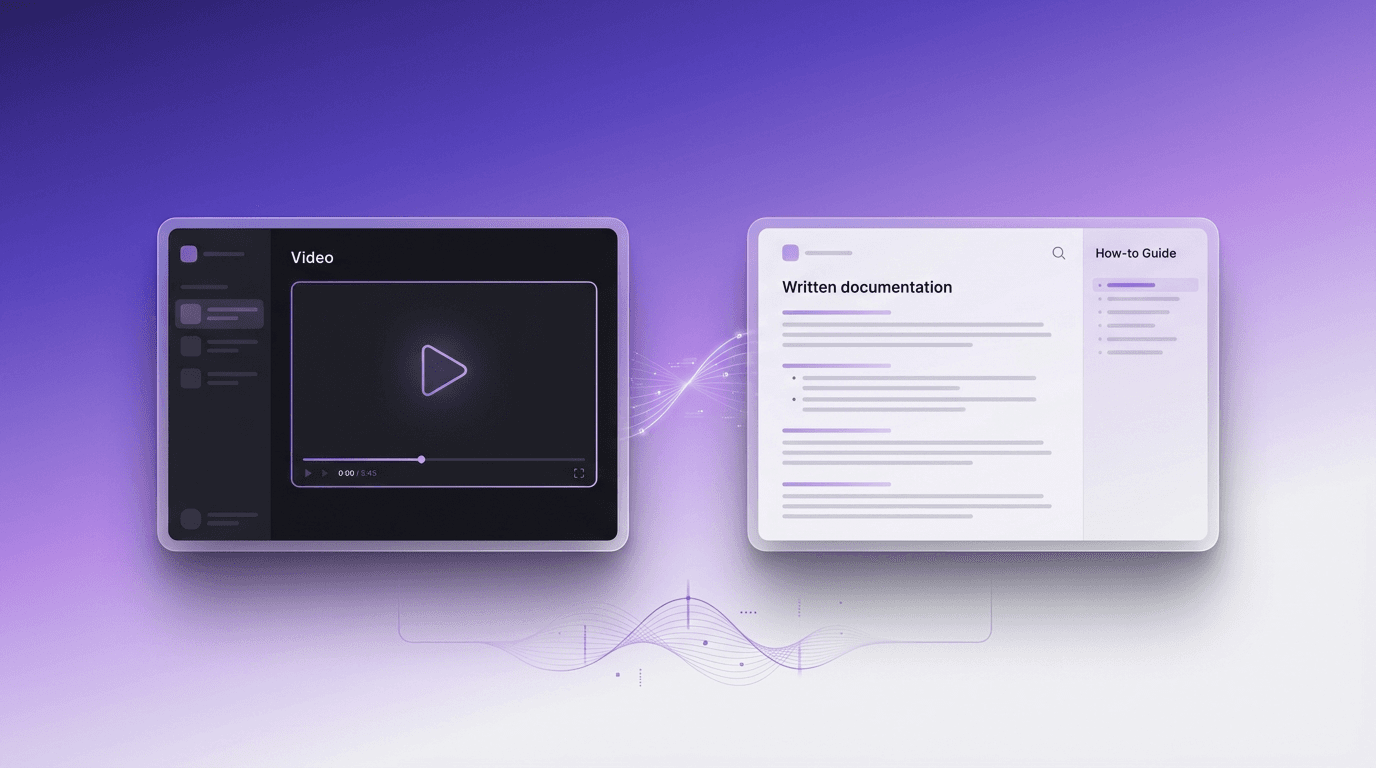
Compare video and written documentation for customer support. Learn the pros, cons, and how to efficiently create both formats.

Most teams spend $500-5,000+ per video on editing, subtitles, voiceover, and documentation without realizing it. Here is exactly where the money goes - and how AI automation can cut those costs by 90%.
